How to Install NetMirror APK on Android
NetMirror is not on the Play Store, so you have to install it manually. The process is simple and takes only a couple of minutes. This is how I did it on my own phone, and I have been using the app for about six months.
Before you start
Check that your phone has enough free storage. The APK file is around 52 MB, and the app needs a little more space after installation. Also make sure you are on a stable WiFi connection so the download does not break halfway.
Step 1: Download the APK file
Download the file from a source you trust. Once it finishes, open your Downloads folder and check the file size. If it looks far smaller or larger than what the website said, do not install it.
Step 2: Scan the file
Before installing, upload the APK to virustotal.com and read the result. A clean result does not guarantee safety, but it lets you catch obvious problems early. Taking this one step is worth it for any app outside the Play Store.
Step 3: Allow installation from unknown sources
Open Settings and search for “Install unknown apps”. Choose the browser or file manager you used to download the file and turn on the permission. On newer Android versions, this permission is given to each app separately, not to the whole phone. After the installation, you can switch it off again.
Step 4: Install the app
Tap the APK file in your Downloads folder and press Install. If Google Play Protect shows a warning, read it carefully. Since the app is not from the Play Store, this warning is common, and you should continue only if your scan looked fine and you are comfortable with it.
Step 5: Open the app
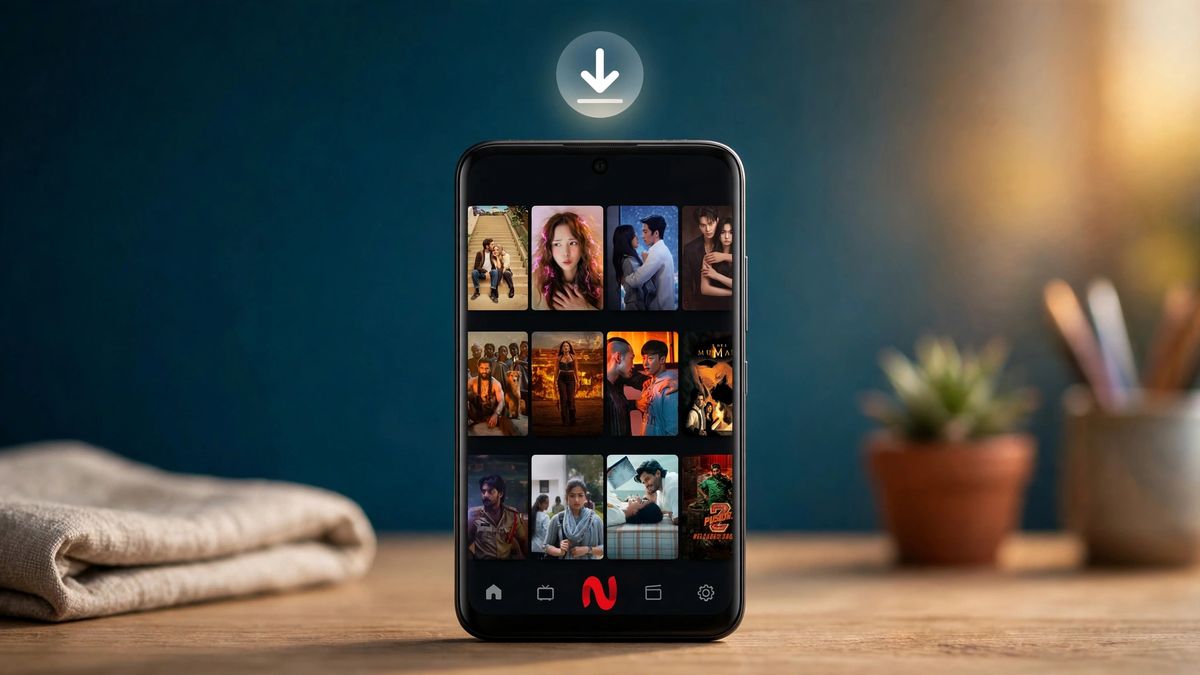
Once the installation finishes, tap Open. In my case I did not need to create an account or log in. The home screen loaded straight away with the trending section and the search bar.
If the installation fails
The most common reasons are low storage, an incomplete download, or the unknown sources permission being off. Delete the file, download it again, and try one more time. If the app still will not install, check my guide on fixing NetMirror problems.
After installation
Delete the APK file from your Downloads folder to save space. Do not enter passwords, banking details or personal information inside the app.
A note on safety
NetMirror is an unofficial app, This guide is based on my own experience on my own phone, and your result may be different. Always scan the file before you install it.