How I Scan an APK on VirusTotal Before Installing It
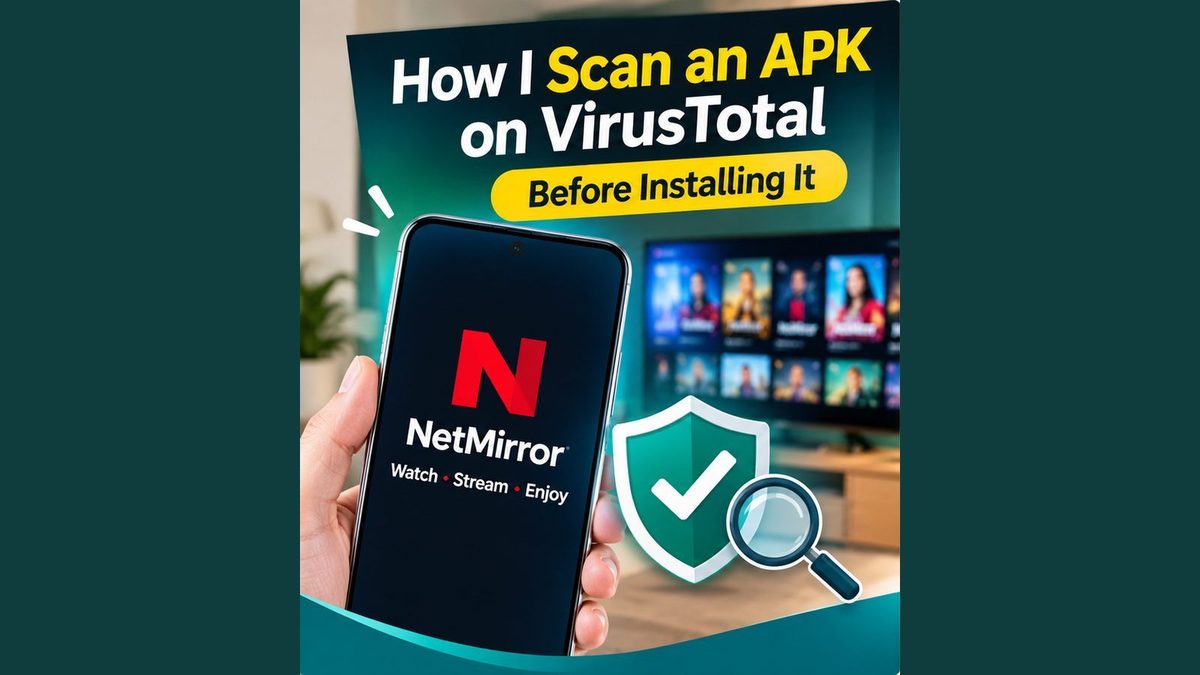
Whenever I install an app from outside the Play Store, I scan the file first. It takes less than two minutes and gives you a clearer idea of what you are dealing with. This is how I do it with an APK like NetMirror.
Why scanning matters
APK files can be edited by anyone. A file with a familiar name can contain extra code that was not in the original. Because these apps skip the Play Store checks, the safety check is your job.
Step 1: Download the file and note its size.
Save the APK and look at its size in your Downloads folder. The NetMirror file I used was about 52 MB. If a site claims one size and the file is very different, be careful.
Step 2: Open VirusTotal
Go to virustotal.com in your browser. Choose the “File” option and upload the APK. Wait a minute while it checks the file against many security engines.
Step 3: Read the result properly.
The page shows how many engines flagged the file. A clean result means none of them found a problem at that time. A few flags need a closer look, and many flags mean you should delete the file. Remember that a clean scan is not a guarantee it only means nothing was detected.
Step 4: Scan again with your phone.
Open Google Play Protect on your phone and run a scan. You can also use a trusted mobile security app. Two checks are better than one.
Step 5: Check the permissions
During installation, look at what the app asks for. A video app has no reason to ask for your contacts, SMS or call logs. If something looks unusual, do not install.
What I noticed in my own use
I have used NetMirror for about six months and have not noticed strange popups or unwanted apps on my phone. I can only speak for my own device, and I always recommend scanning any APK yourself.
A final word
NetMirror is an unofficial app, so there is always some risk. Scan the file, check permissions, keep your phone updated, and do not share sensitive information inside the app.